
myFreeeway connects compatible IoT devices through a SIM card and a data plan that you manage online. Getting started follows four steps: order your free SIM, add it in the myFreeeway Web App, choose a paid data plan and check your dashboard. You can order the card first and activate your plan when you need it. Whether you’re setting up a trail camera, a mobile router or a tracker, it helps to have the device and its instructions nearby. Here’s what to expect along the way.
Fill out the SIM order form on myFreeeway IoT SIM for Smart Devices . The SIM and shipping are free, with no activation fee. Ordering the card lets you prepare for your installation before choosing a subscription. Before ordering, check that your device supports a physical SIM and the required mobile network technology. It also needs to allow APN configuration and roaming. Each myFreeeway card comes in a 3-in-1 format, so you can select the mini, micro or nano size your device requires.
Once the card arrives, follow the instructions on the packaging and in your device’s manual. Insert the correctly sized SIM, sign up for the myFreeeway Web App and follow the activation instructions to add your SIM and device. Complete the connection settings on the device, including the APN and enabling roaming. The APN, or Access Point Name, is a setting used to establish the mobile data connection. You’ll also need a data plan, which is the next part of the setup. If you get stuck, myFreeeway’s IoT support is available in German and English, by phone with the support team, or online in the App 24/7.
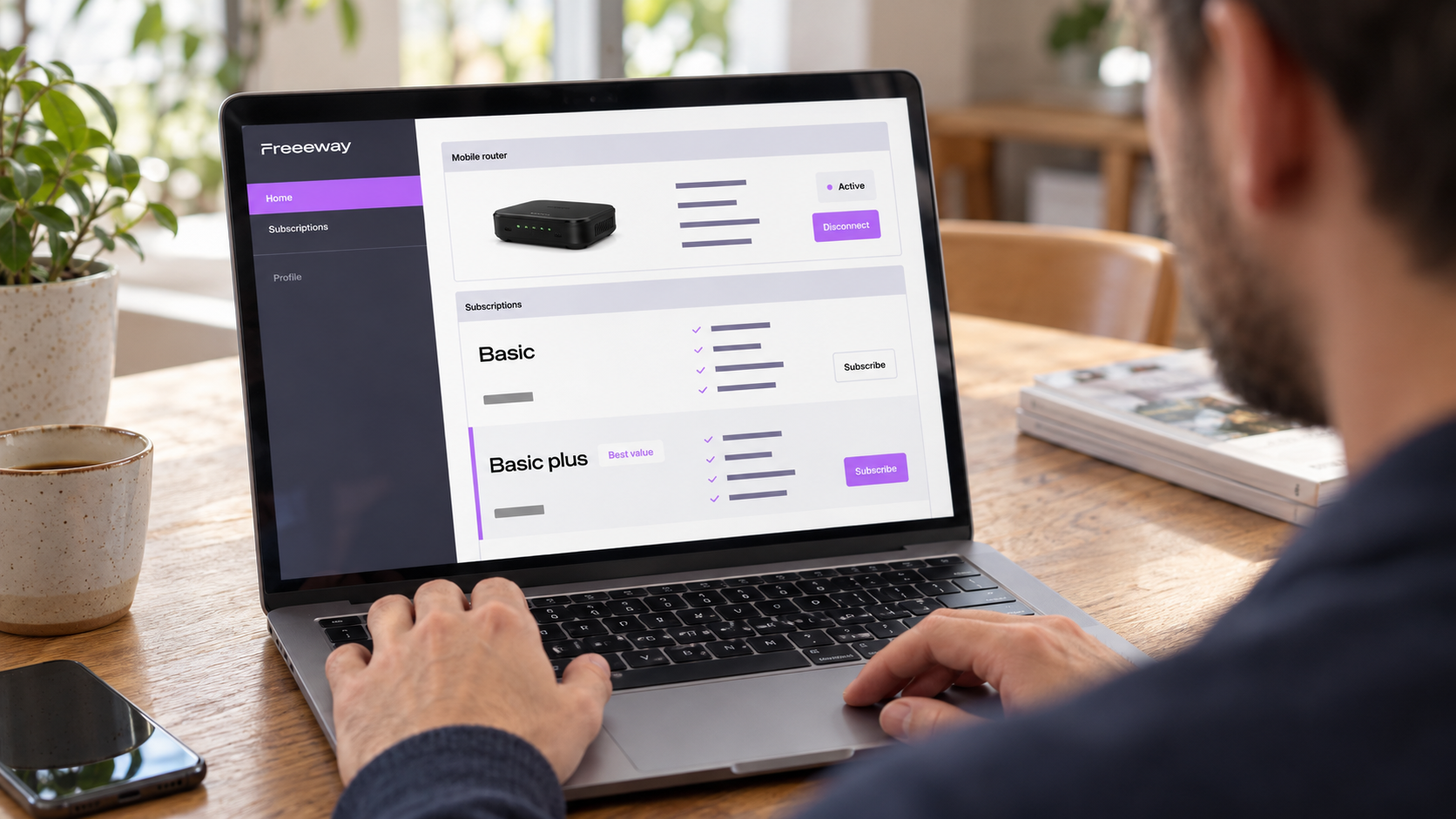
Think about what your device sends and how often. A sensor uploading occasional readings may use little data, while a camera sending video clips or a router handling several users can need a larger allowance. The myFreeeway data plans cover different usage levels. Choose your subscription in the Web App and connect your device to it. If you’re adding several devices, check the pooling options: most plans let multiple SIMs share an allowance, within the plan’s device limit. Subscriptions offer monthly cancellation. Review the selected plan’s terms when choosing it, particularly for seasonal or temporary use.
Your dashboard shows SIM status and data usage, helping you keep track of your setup from your phone. You can manage your SIMs centrally as you add devices or your needs change. Before leaving a device somewhere difficult to reach, try the task you bought it for. Send a camera image, check a tracker update or connect to the internet through your router. This helps you spot configuration or coverage issues while the equipment is still close at hand. Once it’s running, check usage during the first few days to see how well your allowance matches everyday activity.
You can order your free myFreeeway SIM now and choose your data plan when you’re ready to connect.

{
"@context": "https://schema.org",
"@type": "BlogPosting",
"mainEntityOfPage": {
"@type": "WebPage",
"@id": "https://myfreeeway.com/blog/how-does-myfreeeway-work"
},
"headline": "How does myFreeeway work?",
"description": "Get started with myFreeeway in four steps: order your free SIM, register in the Web App, choose a data plan and manage your devices online.",
"author": {
"@type": "Person",
"name": "Caterina Rudari"
},
"publisher": {
"@type": "Organization",
"name": "myFreeeway",
"url": "https://myfreeeway.com"
},
"datePublished": "2026-10-14",
"url": "https://myfreeeway.com/blog/how-does-myfreeeway-work",
"inLanguage": "en",
"articleSection": "IoT SIM",
"keywords": [
"myFreeeway",
"How myFreeeway works",
"IoT SIM card activation",
"IoT SIM setup",
"myFreeeway Web App",
"IoT data plans",
"SIM card management",
"IoT connectivity"
]
}