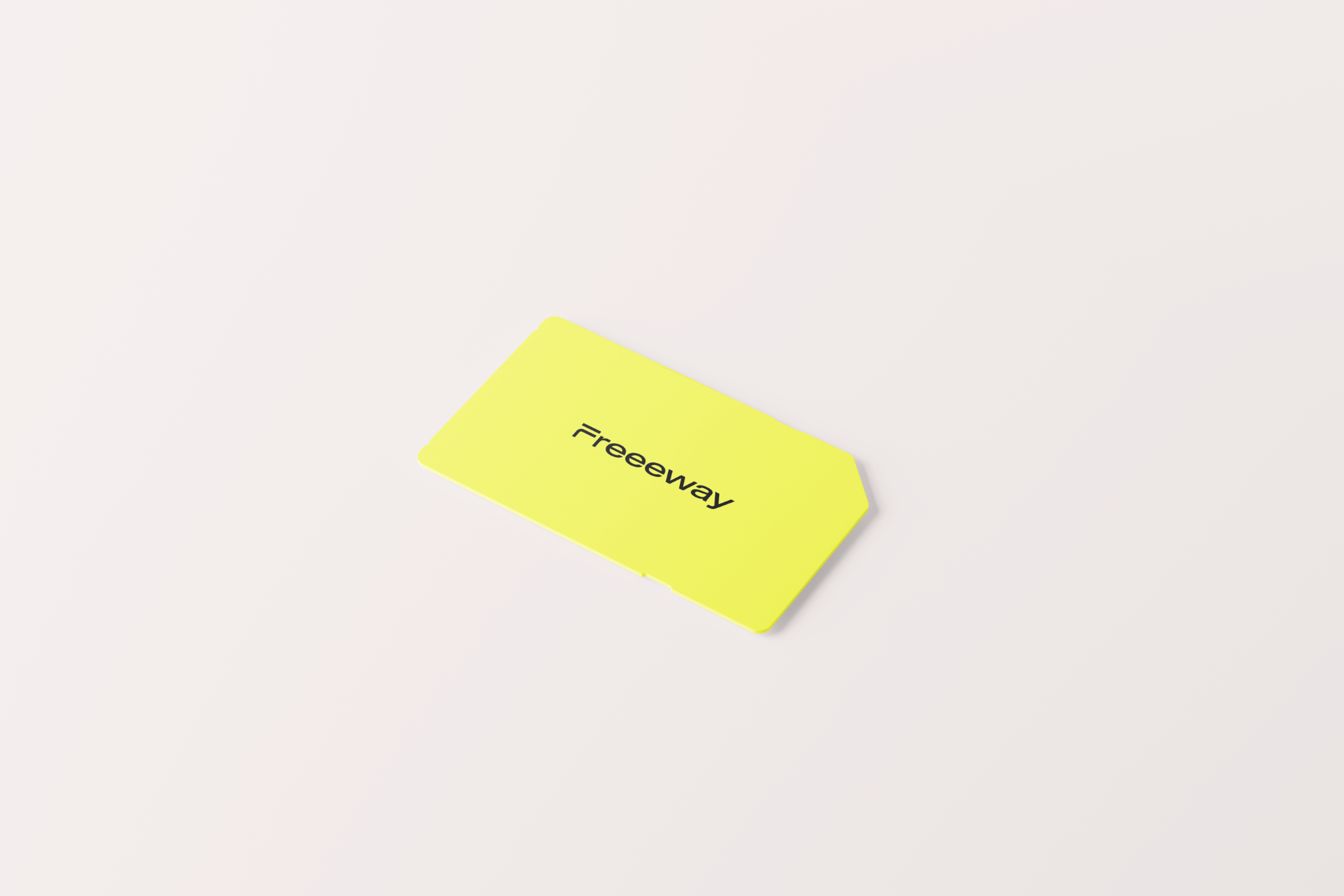
myFreeeway provides IoT SIM cards and data plans for compatible connected devices, with online SIM management through the myFreeeway Web App. You can order the SIM for free, activate it when you’re ready and choose a paid plan for your setup. Multi-network connectivity and options to share data across several SIMs help you manage devices in different locations.
If you’re wondering which card will arrive, how to get connected or what happens when you add another device, these answers cover the essentials.
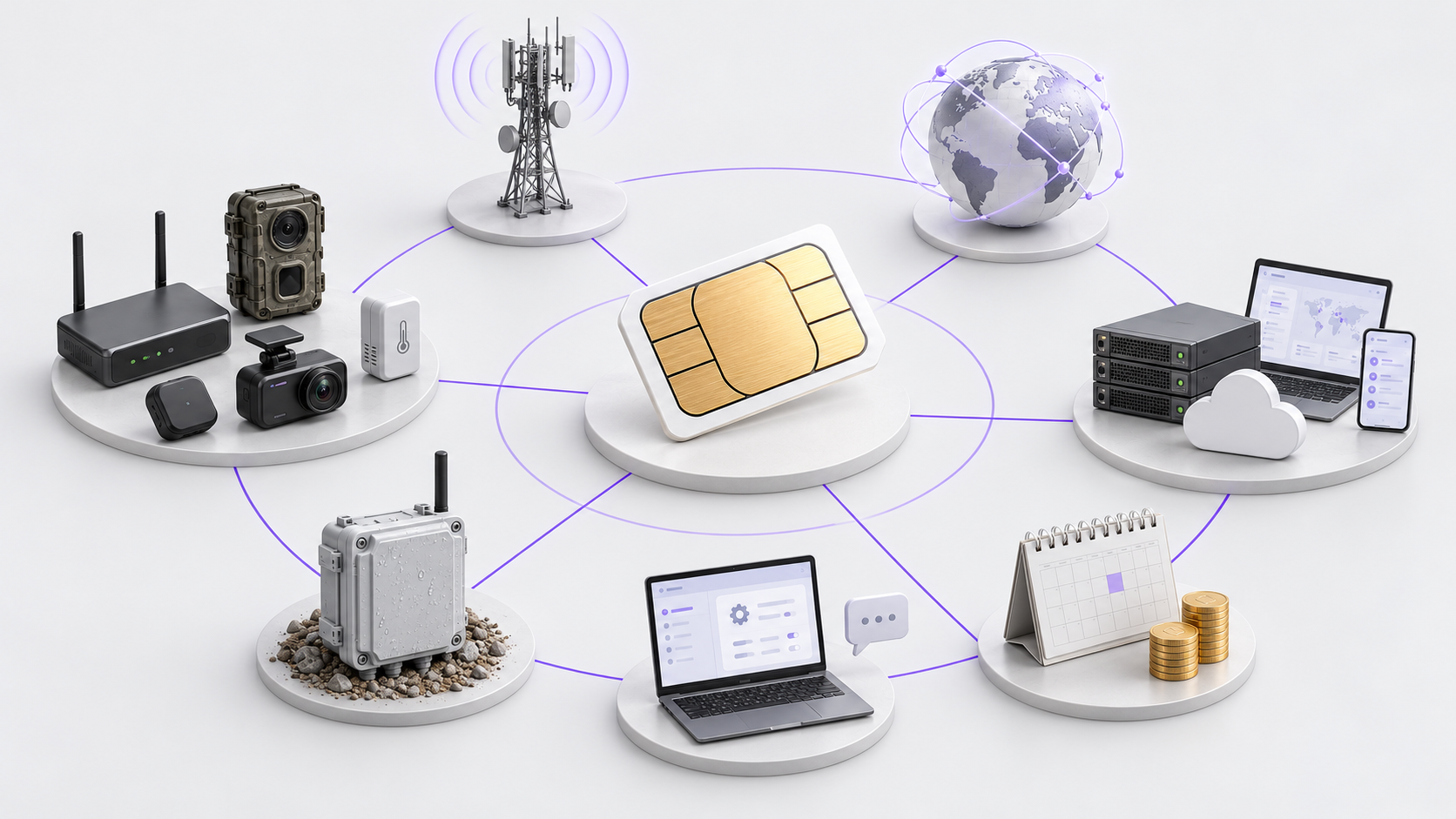
Compatible routers, cellular cameras, GPS trackers and other connected equipment can use myFreeeway. Think of a security camera or trail cam sending photos from a property, a tracker reporting its location or a router providing internet at a campsite. For direct use, your device needs a physical SIM slot, compatible mobile network technology and settings that allow APN configuration and roaming. Check the exact model before ordering; the use-case pages are a useful starting point.
myFreeeway SIMs are designed for outdoor and industrial conditions, including heat and cold. That’s useful for equipment installed for longer periods, though the device itself still needs suitable protection. Most plans also offer pooling, so multiple SIMs can share one subscription and allowance. The cards can also access multiple partner networks, giving devices more connection options when one network is unavailable. Coverage still depends on the location and a usable signal.
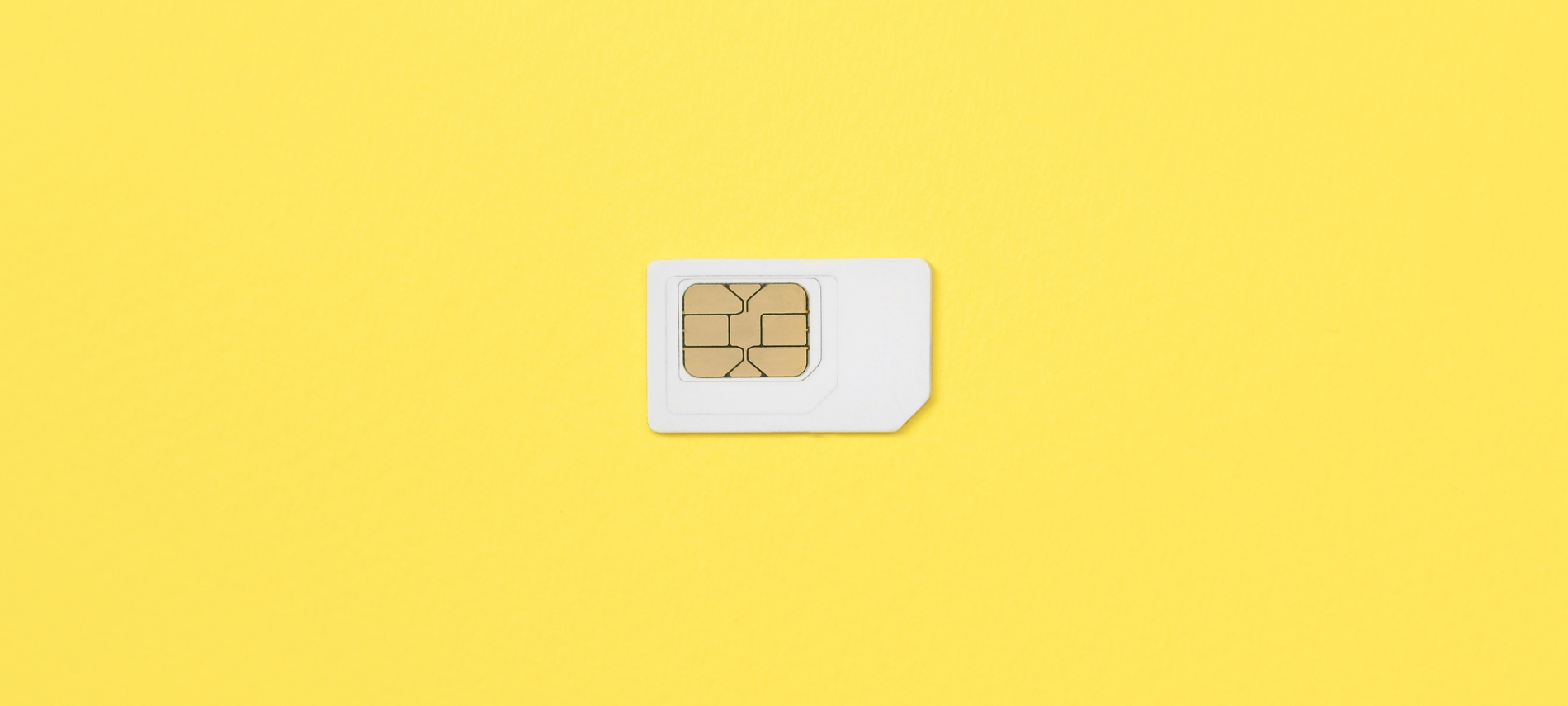
You’ll receive a 3-in-1 physical SIM, adaptable to mini, micro or nano size. Check your device’s manual before removing the size you need from the card. “3-in-1” describes the available sizes. Each card contains one usable SIM, so you’ll need a separate card for each device connecting directly to the mobile network.
Complete the SIM order form on myFreeeway IoT SIM for Smart Devices . SIM ordering and shipping are free, with no activation fee. You can order up to ten SIM cards through the offer shown in our Instagram guide; for larger quantities, get in touch. Once your card arrives, follow the packaging instructions, insert it into your compatible device and register in the myFreeeway Web App. Activate the SIM, select a paid data plan and complete the device settings, including the APN and roaming. Before leaving the device to run remotely, test its normal task, such as sending a photo or connecting to the internet.
Yes. The myFreeeway Web App lets you manage SIMs centrally, including activation, pausing, monitoring data use, and pooling. Check the number of SIMs supported by your chosen plan. The number of cards you order and the number included in a subscription are separate things.
myFreeeway supports roaming across supported European countries, allowing you to use the same SIM when travelling or operating abroad. Confirm your destinations are covered by your plan and keep roaming enabled on the device.
If you need help choosing a plan or getting connected, IoT support is available in English and German, by phone with the support team, or online in the App 24/7.
You can explore the data plans before deciding.

{
"@context": "https://schema.org",
"@type": "BlogPosting",
"mainEntityOfPage": {
"@type": "WebPage",
"@id": "https://myfreeeway.com/blog/everything-you-need-to-know-about-myfreeeway-sim-cards"
},
"headline": "Everything you need to know about myFreeeway SIM cards",
"description": "Get answers to common myFreeeway questions: compatible devices, SIM sizes, ordering, activation, shared data, online management and European roaming.",
"author": {
"@type": "Person",
"name": "Mia Ščap"
},
"publisher": {
"@type": "Organization",
"name": "myFreeeway",
"url": "https://myfreeeway.com"
},
"datePublished": "2026-10-16",
"url": "https://myfreeeway.com/blog/everything-you-need-to-know-about-myfreeeway-sim-cards",
"inLanguage": "en",
"articleSection": "IoT SIM",
"keywords": [
"myFreeeway SIM cards",
"IoT SIM card",
"IoT SIM activation",
"Multi-network IoT SIM",
"IoT data pooling",
"IoT SIM management",
"IoT roaming",
"3-in-1 SIM card"
]
}