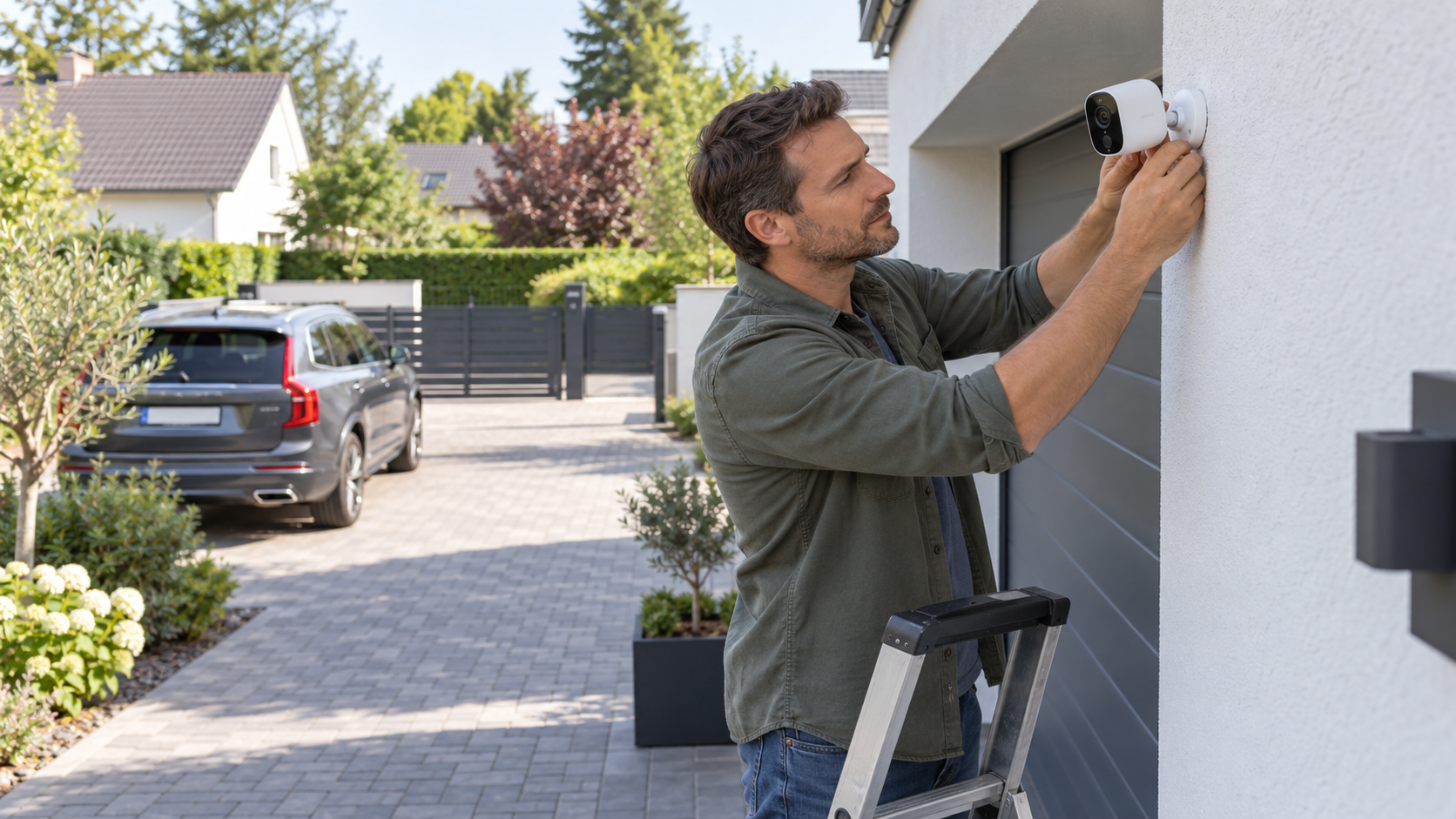
Your smart home reaches further than your living room. A camera by the entrance gate, an EV charger in a detached garage or an alarm at a holiday home may all need a connection where home Wi-Fi is weak or unavailable. An IoT SIM gives compatible devices mobile internet access independently of your home router, making it a particularly useful choice for outdoor equipment and remote monitoring.
The best setup depends on the device, its location and what you need it to do. Wi-Fi works well for many indoor devices; cellular connectivity becomes especially valuable when you need greater freedom over placement or a separate connection for important alerts.
Different areas of your home can benefit from cellular connectivity. In the garden or by the entrance, this includes security cameras, alarm systems, access controls and robotic lawn mowers. In garages, basements or outdoor areas, smart energy devices such as solar inverters, EV chargers, heat pumps, sensors and meters may need a separate connection. At a holiday home, mobile routers and hotspots can provide internet access for cameras, alarms and other connected devices.
A camera needs to be positioned where it can see the entrance. A gate controller belongs at the gate. Those locations may be some distance from your router, with walls and outbuildings weakening the Wi-Fi signal along the way. A compatible cellular device uses an IoT SIM to connect through a mobile network. Where mobile coverage is available, this can save you extending your home network across the property.
Check the signal at the exact installation point before mounting the equipment. Garages, basements and metal enclosures can also weaken mobile reception, so test the connection with the device in its intended position.
Restarting your router or losing your fixed broadband connection can interrupt devices that depend on it for internet access. A device with its own cellular connection can continue sending data during those interruptions, provided it still has power, mobile coverage and an active data plan.
This is particularly useful for security cameras and alarm systems, which can continue sending alerts while you’re away, even if your home Wi-Fi goes down. Because they connect directly through an IoT SIM, changes to your home Wi-Fi settings won’t interrupt their connection. Some equipment supports cellular backup alongside a primary connection. If that’s your goal, check that the device supports automatic switching and how it needs to be configured. For operation during a power cut, the device and any equipment it depends on also need backup power.
Mobile coverage can vary around a property and between operators. Access to several networks gives a device additional options when one network becomes unavailable.
myFreeeway’s multi-network IoT SIMs can connect to available partner networks. This can be useful for equipment at a garden boundary, an outbuilding or a holiday home, although a usable mobile signal is still required. The SIM itself also needs to suit its surroundings. myFreeeway offers rugged IoT SIM cards designed for outdoor and industrial use. Check the operating limits of the whole device, including its housing and power supply, before installing it somewhere exposed to cold, heat or moisture.
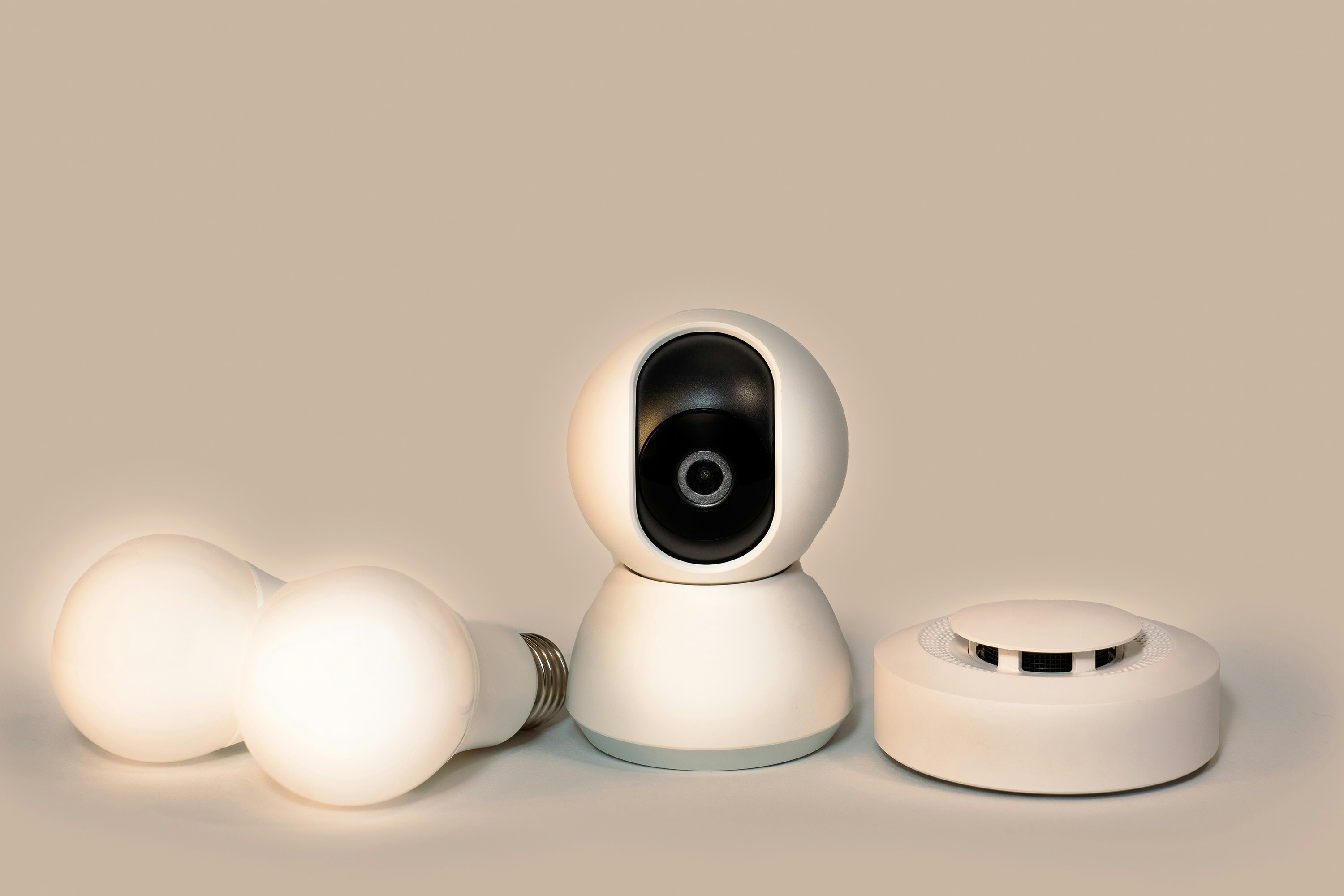
Cellular connectivity is available in certain models of security cameras, alarms, access systems and other smart home equipment. EV chargers, solar inverters and heat pumps may require an optional cellular module or a separate gateway.
Before ordering a SIM, check:
An IoT SIM cannot be inserted directly into a Wi-Fi-only device. A compatible mobile router can provide internet access for such equipment, with the devices connecting to that router over Wi-Fi or Ethernet.
An alarm sending occasional status updates has different data needs from a camera regularly uploading video. Start with the manufacturer’s guidance, then consider how frequently you’ll check live footage, receive images or access devices remotely.
If several devices have their own SIMs, data pooling can make their allowances easier to manage. Most myFreeeway plans let multiple SIM cards share one subscription and data allowance. Choose enough total data for the group, including busier periods. You can also manage your SIMs centrally through the myFreeeway web app. This is useful when equipment is spread between your home, garden and another property.
A direct cellular connection lets a device operate separately from your home Wi-Fi network. You still need to secure the device and the account used to access it. Use unique passwords, enable two-factor authentication where available and install manufacturer updates. For cameras and alarms, review who has access and remove accounts that are no longer needed. For smart home equipment beyond Wi-Fi range or requiring an independent internet connection, an IoT SIM can be a practical fit.
Explore myFreeeway’s data plans with your device model, installation location and expected usage in mind.

{
"@context": "https://schema.org",
"@type": "BlogPosting",
"@id": "https://myfreeeway.com/blog/iot-sim-for-smart-home-connect-devices-beyond-your-wi-fi#article",
"mainEntityOfPage": {
"@type": "WebPage",
"@id": "https://myfreeeway.com/blog/iot-sim-for-smart-home-connect-devices-beyond-your-wi-fi"
},
"headline": "IoT SIM for Smart Home: Connect Devices Beyond Your Wi-Fi",
"description": "Discover how IoT SIM cards connect compatible smart home devices beyond Wi-Fi range, support remote monitoring and work independently of your home router.",
"image": [
"https://cdn.prod.website-files.com/699b82a1114688fe3e8fa14d/6ae4b050468183ca3b0e6a3f_Smart%20Home%20IoT%20Sim%20Card%20Freeeway.jpg"
],
"author": {
"@type": "Person",
"name": "Mia Ščap"
},
"publisher": {
"@type": "Organization",
"name": "myFreeeway",
"url": "https://myfreeeway.com"
},
"datePublished": "2026-10-30",
"inLanguage": "en",
"articleSection": "IoT SIM",
"keywords": [
"smart home IoT SIM",
"cellular smart home connectivity",
"security camera SIM card",
"multi-network IoT SIM",
"remote monitoring"
]
}