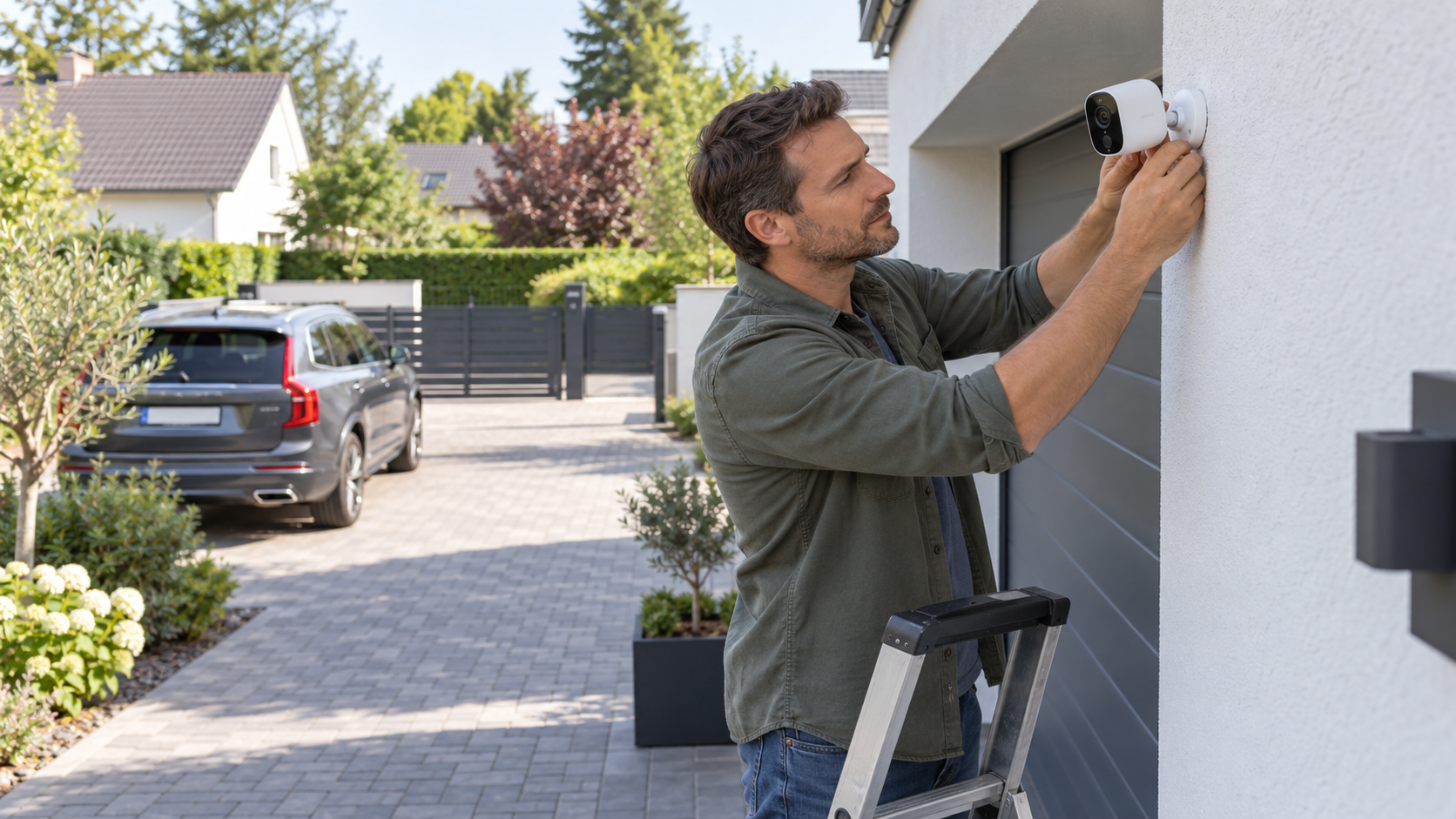
myFreeeway IoT SIMs can be used in many connected devices, including compatible routers, cameras and GPS trackers. To use the SIM directly, your device needs a physical SIM slot, compatible mobile network technology and settings that let you configure the APN and enable roaming. Compatibility depends on the specific model. A camera for your driveway, a router for your campervan and a tracker for your equipment all have different jobs. Checking how each one connects will help you work out where the SIM belongs and what you need to get started.
The myFreeeway use cases cover a broad range of applications:
These categories give you a starting point. Check the specifications for your exact model before choosing a SIM.
In a cellular camera with a compatible SIM slot, the card goes directly into the camera. Other setups use a mobile router or gateway to provide the internet connection. For example, a Wi-Fi camera may connect to a mobile router containing the SIM. The camera uses Wi-Fi to reach the router, and the router uses mobile data to reach the internet. A sensor installation may similarly send readings through a gateway. That distinction matters when looking at smart locks, thermostats or video doorbells. A product being “smart” doesn’t mean it has its own mobile connection or accepts a SIM card. Check the connectivity options and any manufacturer requirements for the whole setup.
Start with the device manual or manufacturer’s specifications:
If you’re unsure, have the device’s brand and model ready when asking for compatibility help.
Once compatibility is clear, consider its everyday data use. A temperature sensor reporting a few readings has different needs from a camera uploading video. For cameras, resolution, recording mode and event frequency can all affect consumption. Smart home equipment may also use data for status checks and software updates. The use-case pages can help you find a starting point for plan selection. Before leaving a device at a remote location, test its normal task, whether that means sending a photo, uploading a reading or connecting through the router.
You can order your free myFreeeway SIM and select a paid data plan when you’re ready to activate it.

{
"@context": "https://schema.org",
"@type": "BlogPosting",
"mainEntityOfPage": {
"@type": "WebPage",
"@id": "https://myfreeeway.com/blog/iot-sim-card-compatibility-supported-devices"
},
"headline": "IoT SIM Card Compatibility: Supported Devices",
"description": "Discover which devices can use a myFreeeway IoT SIM, from cameras to routers and trackers, and check SIM format, network compatibility and setup requirements.",
"author": {
"@type": "Person",
"name": "Caterina Rudari"
},
"publisher": {
"@type": "Organization",
"name": "myFreeeway",
"url": "https://myfreeeway.com"
},
"datePublished": "2026-11-05",
"url": "https://myfreeeway.com/blog/iot-sim-card-compatibility-supported-devices",
"inLanguage": "en",
"articleSection": "IoT SIM",
"keywords": [
"IoT SIM card compatibility",
"IoT SIM supported devices",
"myFreeeway IoT SIM",
"SIM card for security cameras",
"SIM card for routers",
"SIM card for GPS trackers",
"IoT device compatibility",
"IoT SIM setup"
]
}